

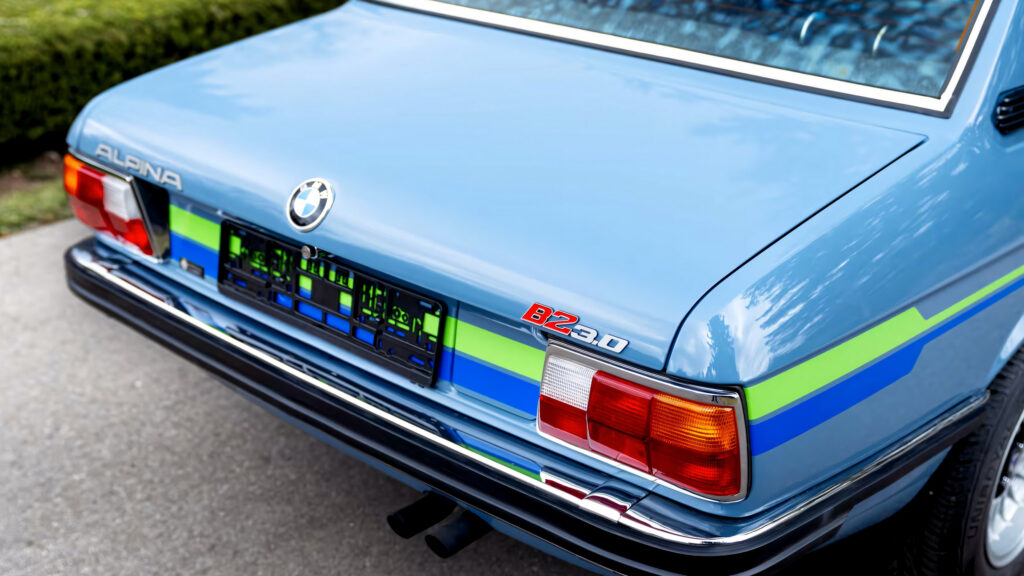
Classic Performance Reimagined: The 1976 BMW B2 Alpina Hits the Auction Block
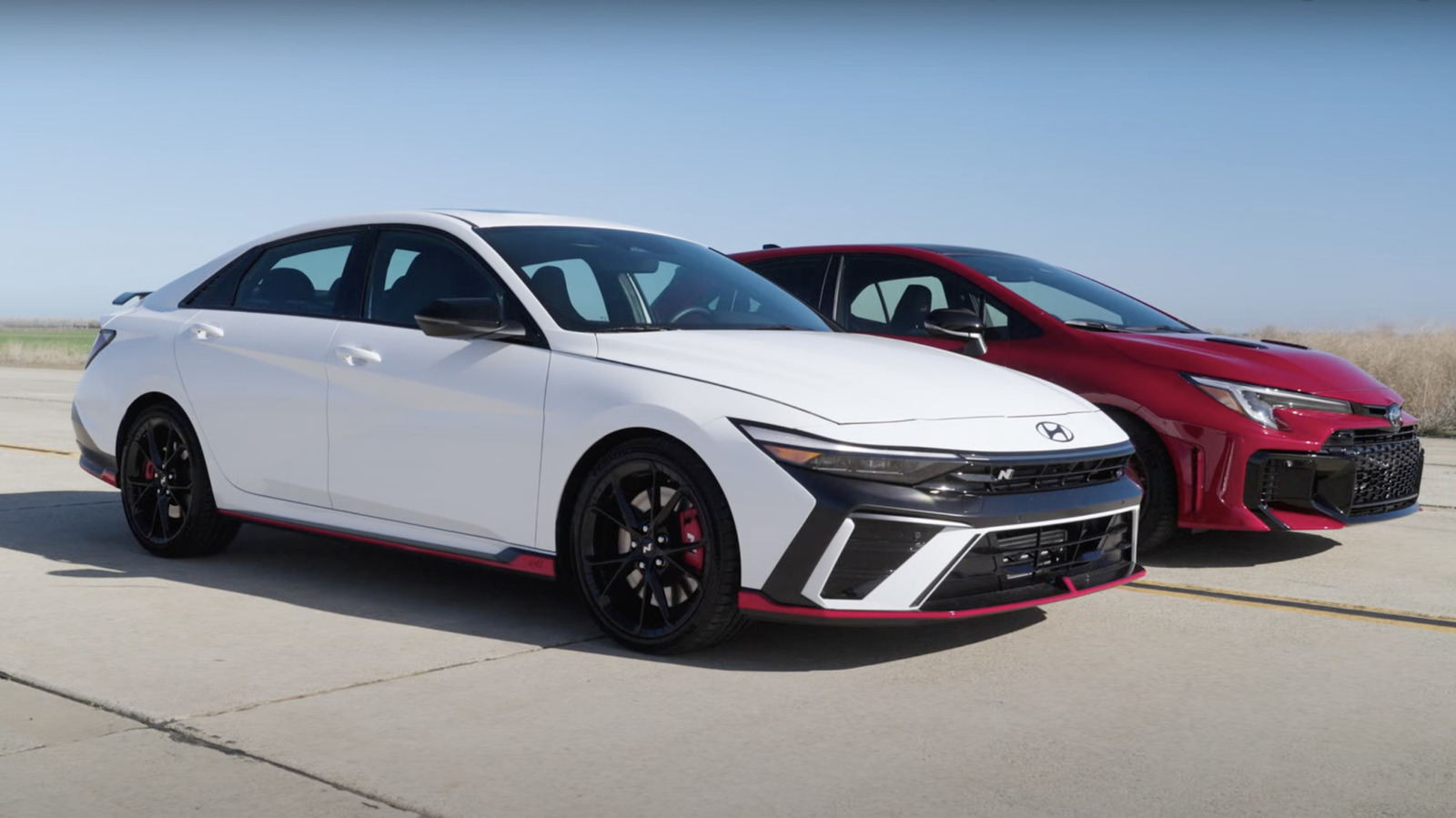
Hyundai Elantra N: A Surprising Champion That Defies Expectations

Lotus Unveils Emira Clark Edition: A Tribute to Racing Legend Jim Clark


Avoiding Rental Car Pitfalls: Smart Tips to Protect Your Wallet

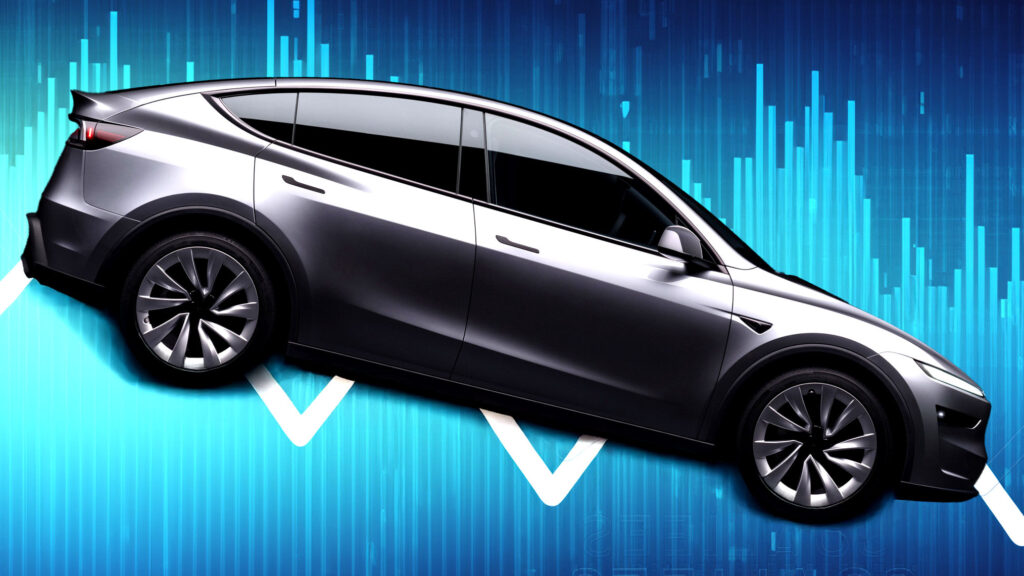
Tesla’s European Sales Plunge: A Crisis in the Making

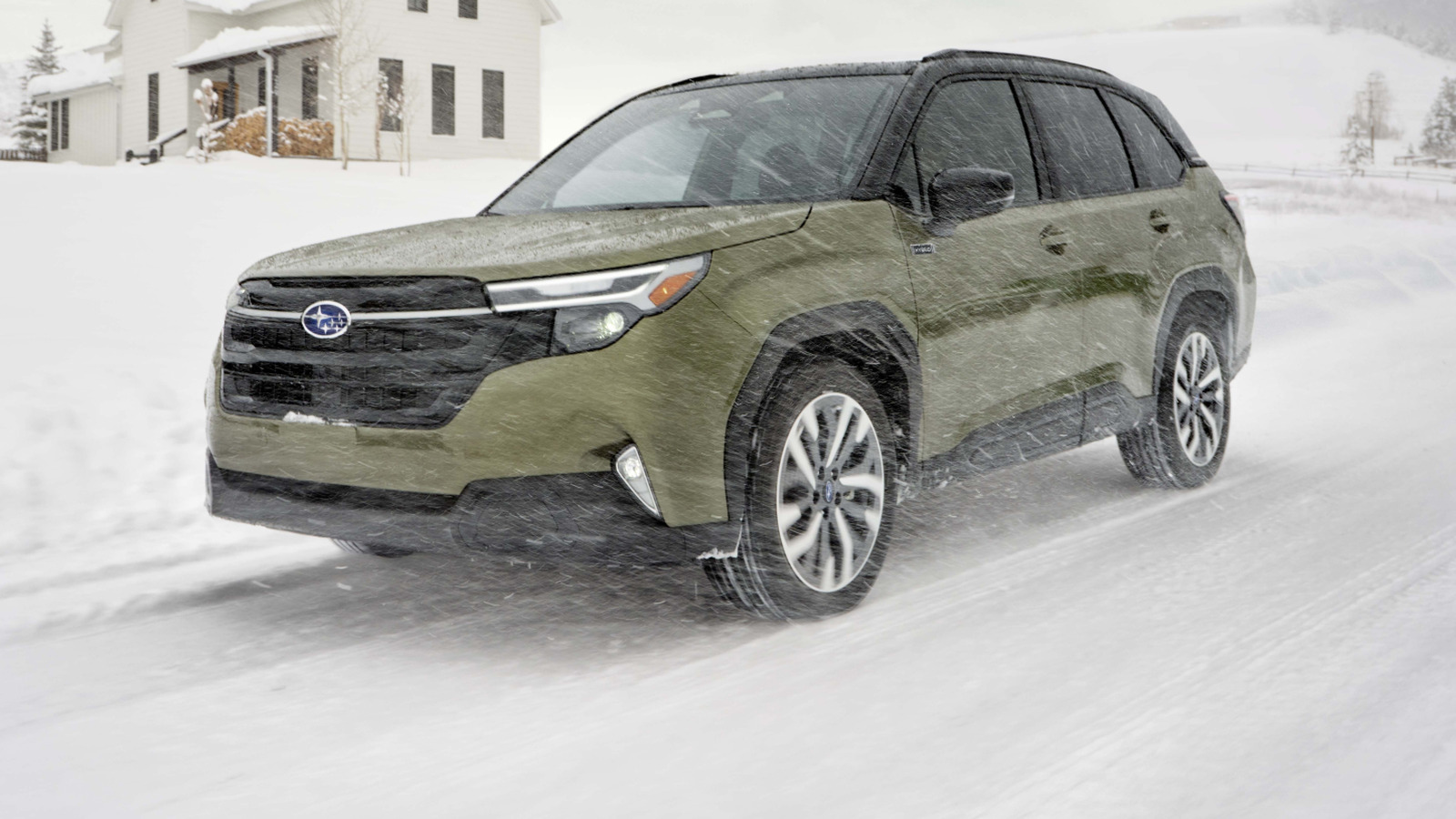
Subaru Canada Shifts Focus: Cutting U.S. Imports to Boost Local Sales

Reviving a Classic: The Porsche 911 Carrera Coupe Reimagined by Singer
 Latest 911 restomod is a fresh take on the wide-bodied, naturally aspirated Carrera from the 1980s
Porsche 911 restomod specialist Singer has revealed a new take on the long-running sports car inspired by the wide-bodied, naturally aspirated Carrera model from the 1980s.
Although conceived as the ultimate version of the naturally aspirated G-Series 911 (built from 1973 to 1989), it is actually based on the later 964 generation (1989 to 1994).
The chassis is restored and then strengthened in a process developed with Red Bull Technologies, the engineering consultancy spun off from the UK-based Formula 1 team.
This uses various composite and steel panels to reinforce key weak points in the 964’s monocoque structure, which are claimed to improve handling, braking and refinement.
The 964’s flat-six engine, meanwhile, has been reworked by Cosworth. Chief among the changes is an increase in displacement from the regular 3.6 litres up to 4.0 litres. It is then fitted with variable valve timing to improve drivability at low speeds; four-valve, water-cooled cylinder heads; and a new titanium exhaust system.
The changes allow the engine to send 420bhp through the rear wheels, revving past 8000rpm in the process.
It is then fitted with a six-speed manual gearbox whose ratios are said to “encourage drivers to explore that [rev] range”. This can be fitted with a raised gear selector and an exposed shift linkage, should buyers so choose.
The suspension set-up is upgraded with four-way dampers, which can be adjusted electronically from inside the cockpit.
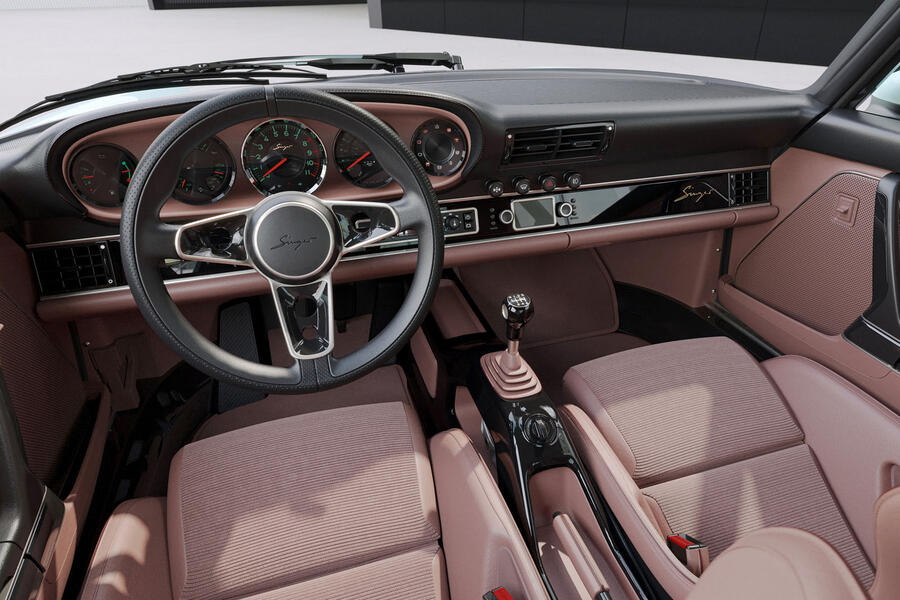
There are five modes for the traction control (Road, Sport, Track, Weather and Off) to suit various different conditions, and a nose lifter is fitted to help with negotiating speed bumps and steep inclines.
Carbon-ceramic brakes can be had as an optional extra.
The new carbonfibre bodywork draws on the Super Sport Equipment pack that was offered on the Carrera in period but adds new cues, such as pop-up auxiliary lights.
Buyers can choose from a fixed whale tail or an active spoiler that raises from the rear deck at speed, for greater stability.
Inside, the car is fitted with new bucket seats and “discrete” technology, such as a small sat-nav screen mounted on the dashboard.
Singer has yet to disclose prices but said it will take only 100 commissions for the car, which is officially named the Porsche 911 Carrera Coupe Reimagined by Singer.
Prices for a donor 964-generation 911 start at around £30,000.
The previous Singer DLS was widely reported to cost more than $2 million (£1.5m).
Mini Batmobile: The Quirky Honda Fit That Turns Heads and Hits the Road

Aston Martin Adjusts Strategy Amid Tariff Challenges and U.S. Inventory Cuts
Unlocking the Road: Your Ultimate Guide to Android Auto and Its Features
 Want to know more about Google’s popular smartphone mirroring service? Take a look at our complete guide
Modern life is about having all the information you need at your fingertips, and driving is no different.
While modern infotainment systems largely cover a lot of bases in this respect, they're not quite as connected to your mobile phone as you might like.
That’s why so many drivers use smartphone mirroring systems, such as Android Auto.
An alternative to Apple CarPlay for those with a Google-based phone from makers such as Google, Samsung and Sony, Android Auto gives quick and easy access to a host of applications to keep you connected.
As car makers develop increasingly convoluted infotainment systems, it's even got to the point where many drivers prefer mirroring services like Android Auto over the standard operating system (OS) fitted to their cars.
It's no surprise that around 150 million cars worldwide now have Android Auto installed.
But what exactly is Android Auto, what services does it offer, and how can you access it? We've put together this comprehensive guide with all the information you need to know.
What is Android Auto?
Android Auto is a car-based driving companion created by Google to bring all the convenience of your phone directly to your car’s dashboard.
It was initially introduced to improve safety while driving, but there’s a lot you can do with it. It’s a service that lets you connect your Android phone to the car's infotainment system to display sat-nav apps, legally take phone calls, reply to messages and play audio.
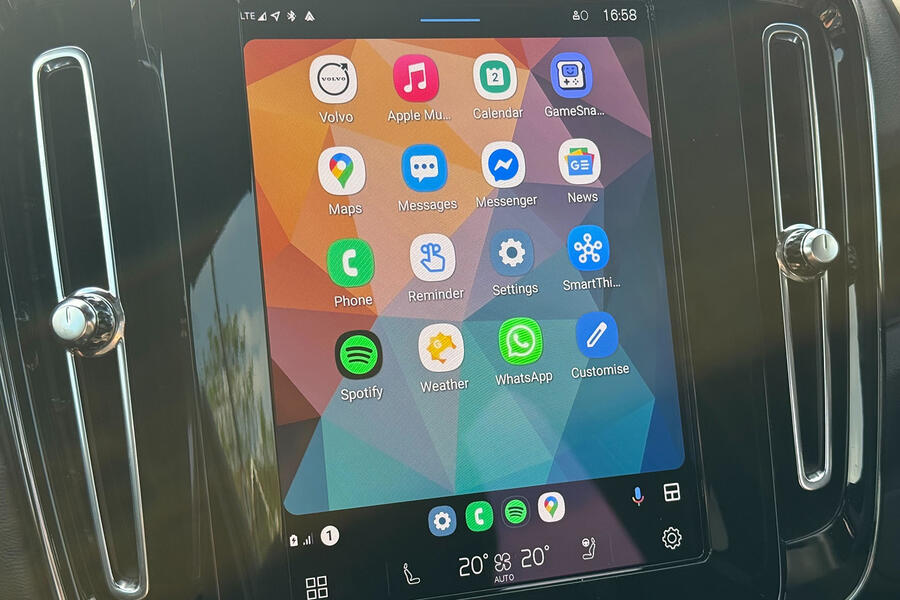
These functions are accessed via large icons on your car's infotainment screen and through voice commands. Google says it intends the software to reduce your levels of distraction as much as possible, so the icons should be easy to reach when you're driving.
Android Auto is accessible, too. It’s free of charge for one, and it streamlines your car’s interface with hands-free voice commands, large, easy-to-read icons and integration with some of the mobile world’s most popular apps, including Google Maps, Waze and Spotify.
Android Auto in 2025
It looks like Android Auto will gain several updates in 2025, with the first major update already rolling out to some vehicles and devices.
One of the biggest upgrades will come to the user interface, bringing stronger integration of your vehicle's own systems. For instance, you will be able to control the radio directly through Android Auto, instead of swapping back to your vehicle's own infotainment system.
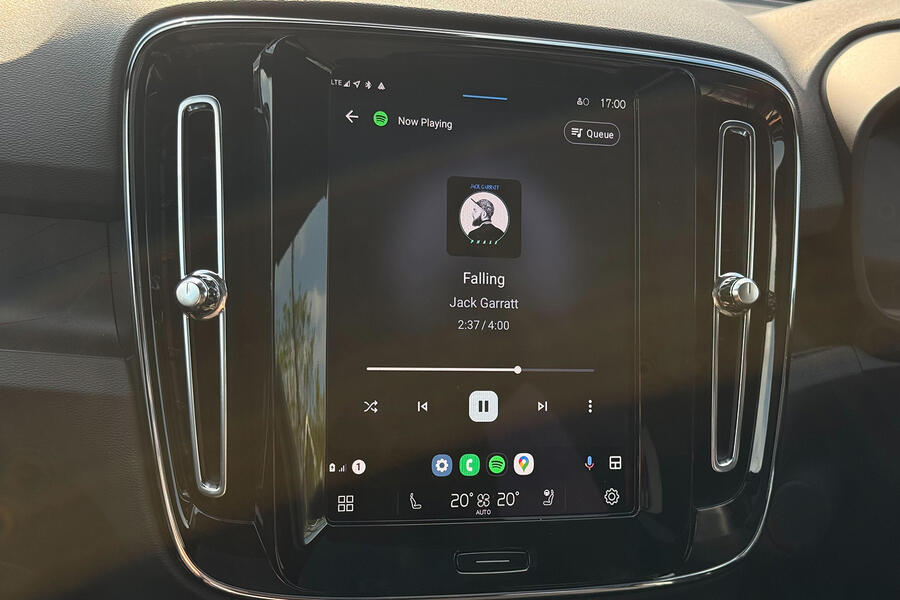
Android Auto will also add some new apps for improved media playback, such as video streaming via programs such as YouTube, Netflix and TikTok, while web browsing will also be implemented.
We're not quite sure when these updates will be fully implemented, but expect them to begin rolling out later this year.
How to connect to Android Auto
If you have an Android phone (one developed by a company such as Samsung, OnePlus, Huawei, Nokia, Sony or Google), Android Auto will come pre-installed on your phone if it's operating on Android 10 or above. It’s also free to install on the Google Play Store.
There are two ways of doing this: via USB connection or wirelessly. Firstly, ensure your car is compatible with Android Auto. You can consult Android's guide to every car compatible with the system here.
Using USB
If you're using a USB connection, make sure your phone is in range of your mobile data network and plug the USB into your car's port and your phone. The port can be either a USB-A (rectangular) or a USB-C (oval) connector.
Instructions will then appear on your car's infotainment screen; follow those steps to continue. You don’t need a Bluetooth connection if you’re using this method.
Wireless
Some newer cars offer a wireless Android Auto connection too, through Bluetooth or a wi-fi connection. In these, you should go into the infotainment system to set up your phone connection.
Once you’ve got them paired up, both your car and your phone will ask if you want to allow permission to use Android Auto. Select yes, and away you go.
If you're unsure of your car’s method of connection, have a quick look at the car's manual.
Is my phone compatible?
There are a few caveats to this one but stick with us. To connect your phone to Android Auto using a USB cable, it has to be running on Android 8 or higher and have an active data plan.
If you want to connect it wirelessly to the infotainment system and you have an Android phone that isn't made by Samsung or Google, make sure it’s running on Android 11 or later.
Samsung or Google phones can use Android 10 or later, while Samsung Galaxy S8, Galaxy S8+ and Note 8 models work with Android 9 or later.
Remember that all phones require an active data plan and 5GHz wi-fi support. Most phones have the latter, but if you're experiencing connection issues, it may be down to this.
What are the main features of Android Auto?
From navigation to music, Android Auto has a host of accessible features. You can make phone calls using your infotainment system, have messages read out to you and even look for chargers for your electric car.
Several companies have developed apps that are compatible with Android Auto. See our list of our favourite Android Auto apps below:
Amazon Music - An alternative to Spotify for your favourite tunes.
Audible - Amazon’s app for audiobook playback.
Facebook Messenger - Reply to messages sent to your Facebook account through voice-to-text.
Google Maps - Google’s own navigation app.
ZapMap - Locate an EV charging station quickly using this app, which lists chargers by maximum charging speed. It also tells you if they’re in use or out of order.
Spotify - A popular music and podcast app.
WhatsApp - You're able to hear messages you’ve been sent and send messages, or place and receive phone calls, via voice control.
Waze - A third-party navigation app with several useful features, such as incident reporting, police car warnings and more.
How much does Android Auto cost?
Android Auto is free to use and the app is free to download to your phone. However, you may be subject to some data charges if they’re not already included on your mobile phone plan.
Some manufacturers include Android Auto on higher trim levels only, or as an optional extra on entry-level models; but it’s becoming increasingly common for brands to include it as standard, along with Apple CarPlay.
Pros of Android Auto
There are several benefits to using Android Auto - and it’s often down to the software that comes with your car.
In fact, many drivers believe Android Auto’s Google Maps integration is more intuitive, accurate and useful than pre-installed sat-nav systems.
Google often updates Android Auto, with the latest round adding artificial intelligence (AI) that can summarise messages, read them out to you and reply on your behalf.
It’s very handy to have all of your favourite apps at your fingertips when you’re on the move, and voice integration in apps like WhatsApp are useful for staying in contact with your friends and family during long journeys.
Android Auto’s wide selection of apps is also a plus, meaning you can stick to your preferred music or podcast app of choice.
And, if we’re honest, it often looks better than many of the infotainment software systems from some car brands today.
Cons of Android Auto
While Android Auto might seem like the ideal solution for most phone users, it’s not for everybody.
The ultimate negative of the system is that it can only be used with an Android phone, so it’s not accessible to every driver.
You also need to keep an eye on your data usage with Android Auto, as apps such as Spotify, Amazon Music, or Audible can sap your data allowance if you’re not set to a specific offline mode.
Plus, if you don’t have the right cable or your car can’t offer wireless connectivity, you might not be able to connect to Android Auto at all.
If you’re not a fan of touchscreens, you might want to avoid Android Auto, too, as most functions are controlled via your car’s infotainment system.