Tesla’s Sentry Mode: What Happens to Your Footage?
Tesla’s Sentry Mode is like having a vigilant guardian for your electric vehicle. This innovative feature acts as a dashcam, continuously monitoring your car’s surroundings when it’s parked. But while it’s great to know that your Tesla is keeping an eye out for potential threats, many owners wonder: where does all that footage go? Let’s dive into the details.
How Does Sentry Mode Work?
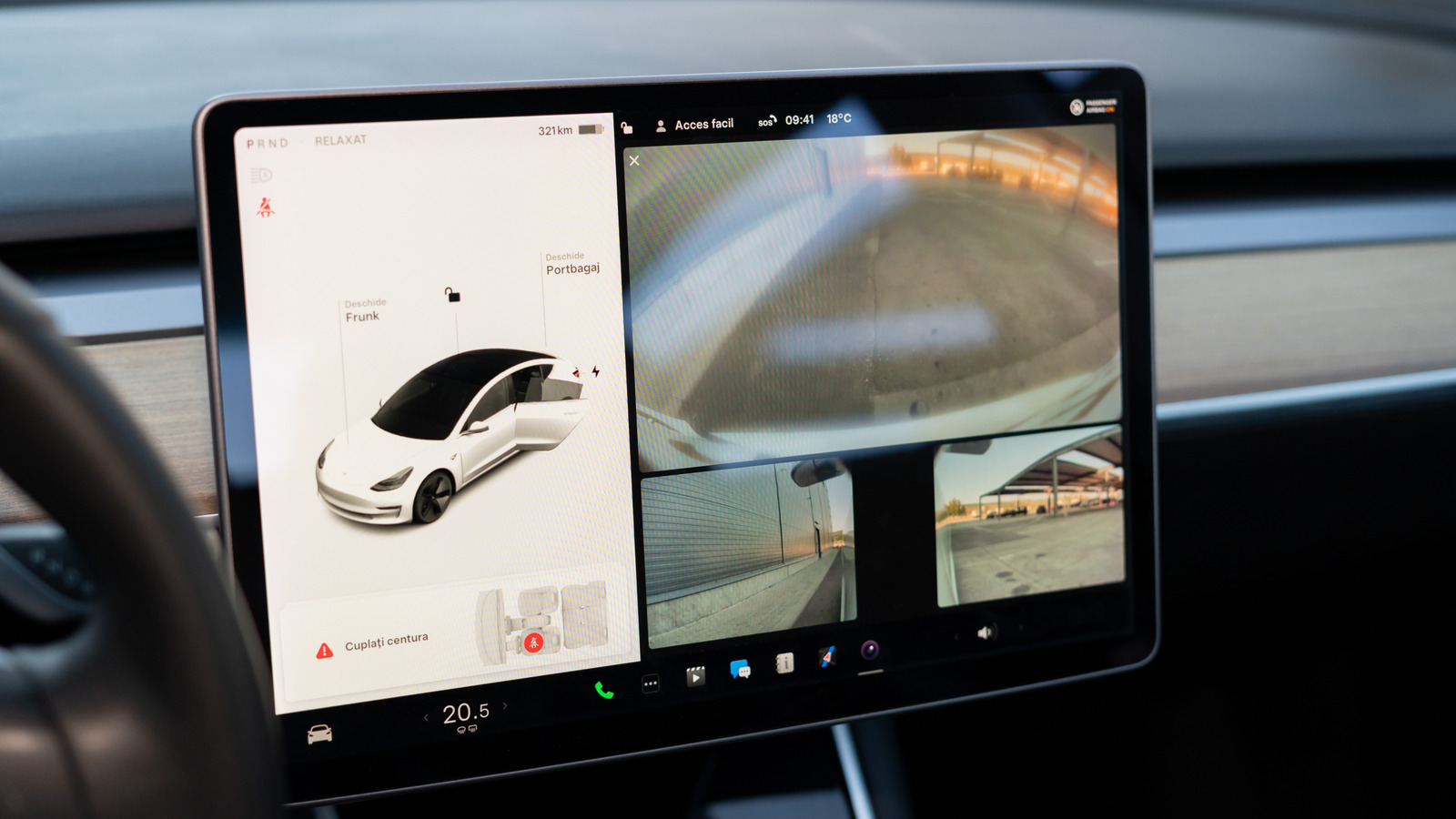
At its core, Sentry Mode utilizes the car’s built-in cameras to detect any suspicious activity. If someone approaches your vehicle or even bumps into it, Sentry Mode springs into action. The exterior cameras start recording, and the car’s lights flash to alert the intruder that they’re being watched. It’s a clever deterrent, but it also raises questions about privacy and data management.
Where Is the Footage Stored?
When Sentry Mode is activated, the footage is recorded and saved to a USB drive that you need to insert into your Tesla. This means that the responsibility of managing the footage falls on you, the owner. If you want to review any incidents, you’ll need to access the USB drive, which can be easily done by plugging it into your computer.
It’s important to note that if you don’t have a USB drive plugged in, Sentry Mode will still activate, but it won’t save any footage. So, if you’re keen on capturing those moments, make sure you have a compatible drive ready to go.
What Happens to the Footage After an Incident?
Once an incident occurs and the footage is recorded, you can review it at your leisure. Tesla allows you to save clips of any noteworthy events, which can be particularly useful if you need to file a police report or an insurance claim. The saved clips can be easily transferred from the USB drive to your computer, making it simple to share with authorities if necessary.
However, keep in mind that the USB drive has limited storage capacity. If it fills up, the oldest footage will be overwritten. This means that if you want to keep specific clips, it’s wise to save them promptly before they disappear into the digital ether.
Are There Privacy Concerns?
With great power comes great responsibility, and Sentry Mode is no exception. Some Tesla owners have raised concerns about privacy, especially regarding how footage might be used or shared. Tesla has stated that the footage is stored locally on the USB drive and is not uploaded to any cloud service unless the owner chooses to share it. This local storage approach is designed to protect your privacy, but it’s always a good idea to be mindful of what you’re recording.
Real-World Impacts of Sentry Mode
There are countless stories of Tesla owners who have benefited from Sentry Mode. For instance, one owner caught a hit-and-run incident on camera, leading to the identification of the responsible party. In another case, footage helped a driver prove their innocence in a parking lot dispute. These real-world examples highlight the effectiveness of Sentry Mode as a tool for accountability and protection.
What Should Owners Keep in Mind?
If you’re a Tesla owner, there are a few key takeaways to ensure you’re getting the most out of Sentry Mode. First, always have a USB drive ready and formatted correctly to capture footage. Second, periodically check the drive for saved clips and clear out any unnecessary files to make space for new recordings. Lastly, stay informed about any updates or changes to Sentry Mode to maximize its potential.
The big takeaway? Sentry Mode isn’t just about watching—it’s about empowering you as a vehicle owner. By understanding how it works and managing your footage wisely, you can turn your Tesla into a proactive protector of your investment. Start with one change this week, like ensuring your USB drive is ready, and you’ll likely spot the difference in your peace of mind by month’s end.